

What is Timeless?
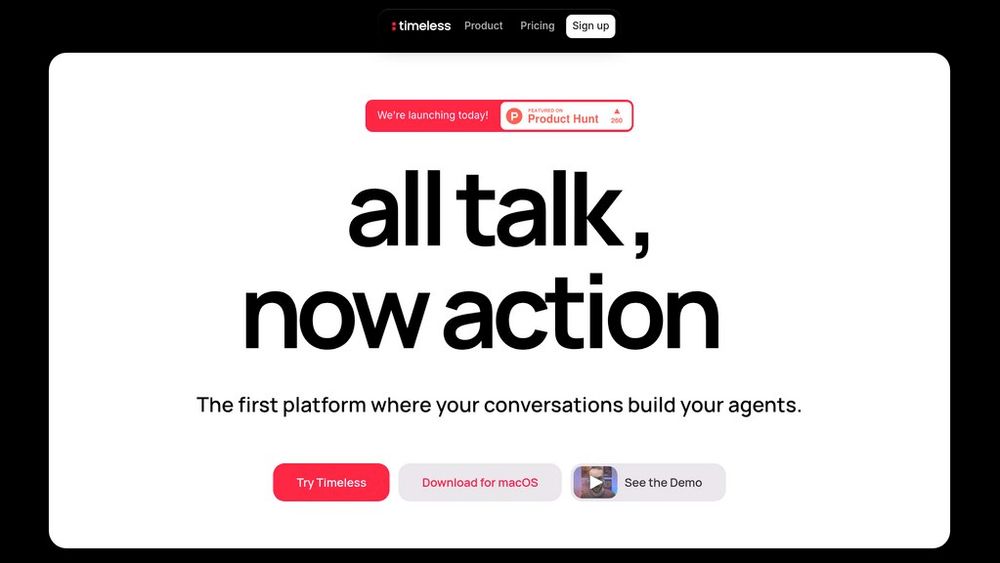
Timeless is an innovative productivity platform that fundamentally reimagines how teams work by making conversations the primary driver of action. The platform listens to your meetings, calls, and real-time discussions across Google Meet, Zoom, Microsoft Teams, Slack, and in-person conversations via WhatsApp, capturing the moments that matter. When someone mentions 'Let's send the proposal,' 'We should follow up,' or any other actionable moment, Timeless instantly triggers the appropriate agent to draft the document, schedule the meeting, or create the task. Rather than requiring manual note-taking and task creation after conversations end, Timeless organizes all discussions into 'Rooms'—dedicated spaces for each client, project, or topic—that automatically gather meetings, decisions, and outputs. Each Room serves as a living hub where agents continuously work in the background, transforming spoken intentions into completed work without friction or context switching.
Key Features Moment-Triggered Agents
AI agents automatically activate when specific spoken moments occur during conversations, detecting action items, decisions, and commitments to execute tasks like drafting documents, scheduling meetings, and creating follow-ups without manual intervention.
Intelligent Room System
Automatically organize all conversations, decisions, and outputs by client, project, or topic in dedicated Rooms that serve as evolving hubs, keeping context and next steps alive long after meetings end.
Multi-Platform Conversation Capture
Record and transcribe conversations across Google Meet, Zoom, Microsoft Teams, Slack Huddles, and in-person discussions via WhatsApp with support for 60+ languages and automatic speaker identification.
Workflow Integration & Automation
Connect seamlessly with productivity tools including Slack, Notion, Asana, ClickUp, and Monday.com to automatically update tasks, create documents, send messages, and sync information across your workflow.
Personalized Agent Templates
Customize agent outputs to match your communication style and brand voice, with community-built templates and the ability to create your own for consistent, personalized follow-ups and documentation.
Proactive Meeting Preparation
Automatically surface previous calls, emails, notes, and relevant context before upcoming meetings, allowing teams to show up fully informed without manual searching or preparation.
Use Cases Sales & Deal Management : Sales teams accelerate deal cycles by having Timeless automatically draft proposals, schedule follow-ups, and update pipeline management tools whenever clients mention next steps, eliminating delays between conversation and action. Client Services & Consulting : Service teams use Timeless to automatically capture client decisions, generate deliverables, and maintain updated project briefs in client Rooms, ensuring nothing falls through the cracks and improving accountability. Team Alignment & Project Management : Remote and distributed teams keep projects on track by having Timeless automatically create tasks, update project management tools, and maintain decision records from meetings, reducing the need for manual synchronization. Meeting Follow-Through : Organizations reduce busywork by converting verbal commitments directly into actions—proposals get written, reminders get set, tasks get created—without post-meeting administrative overhead. Enterprise Workflow Mapping : Large organizations gain visibility into how work actually flows by analyzing real conversations, identifying process bottlenecks, and automating recurring workflows across teams. FAQs
- How does Timeless know which agents to trigger during a conversation?
- What meeting platforms does Timeless support?
- Can I use Timeless if my team uses different productivity tools?
- What are Rooms and how do they work?
- Does Timeless record meetings without participants knowing?
- Can I customize how agents format notes and follow-ups?
- How does Timeless prepare me for upcoming meetings?
- What's the pricing model for Timeless?