

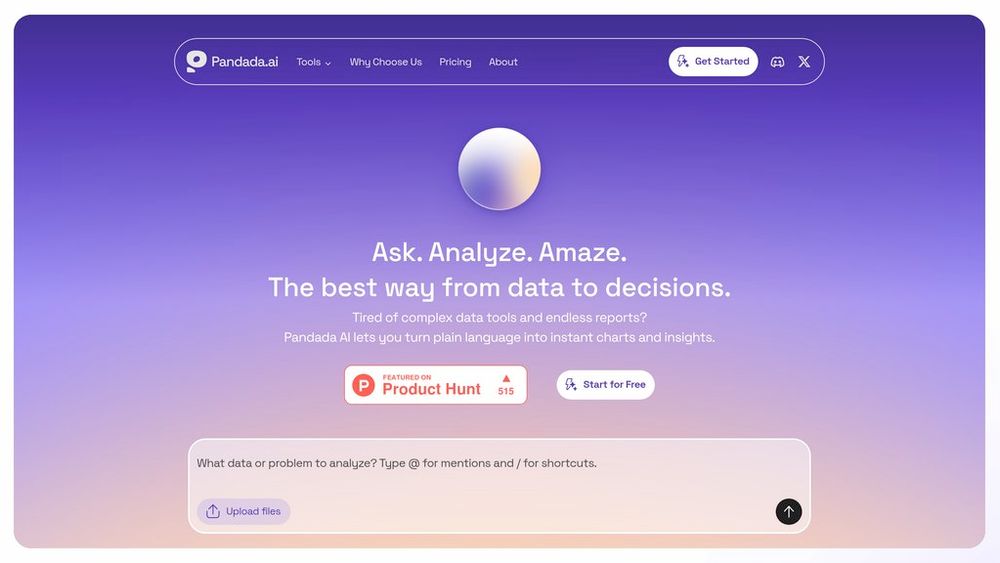
What is Pandada AI?
Pandada AI is a modern data analysis platform built to eliminate the friction of working with real-world data scattered across spreadsheets, PDFs, presentations, and other files. Users can upload multiple datasets at once, ask questions in everyday language, and receive clear answers with charts, tables, and narrative explanations instead of writing formulas or code. The system combines automated data cleaning, smart type detection, and guided workflows to handle messy structures and cross-file analysis, helping both non-technical operators and data experts move from raw data to decision-ready insights in a fraction of the usual time.
Key Features Natural-Language Data Querying
Ask questions in plain English and get answers as summaries, tables, and charts, without building formulas, pivot tables, or SQL queries.
Multi-File, Multi-Format Analysis
Upload and analyze up to dozens of files together—including CSV, Excel, JSON, PDFs, presentations, and screenshots—and run cross-file analysis in one workspace.
Automated Cleaning and Preparation
Automatically detects column types, fixes common data issues, merges related tables, and extracts structured information from documents so users can skip manual cleanup.
Instant Charts and Visual Insights
Generates appropriate visualizations—such as line charts, bar charts, scatter plots, and comparisons—based on the underlying data and the question being asked.
Downloadable Reports and Presentations
Transforms analysis results into professional-grade reports and slide decks that can be downloaded, shared, or reused in executive presentations.
Shortcuts and One-Click Tools
Provides prebuilt shortcuts for common tasks like merging files, converting PDFs to spreadsheets, summarizing datasets, and cleaning columns with a single click.
Use Cases Business and Operations Reporting : Combine sales, finance, and operations spreadsheets to produce recurring performance summaries, variance analyses, and management-ready charts without manual Excel work. Market and Research Analysis : Upload research tables, survey exports, and PDF reports to quickly extract key metrics, compare segments, and generate visual insights for strategy documents. Financial and Revenue Analytics : Analyze revenue files, transaction logs, and pipeline reports together to track trends, cohort behavior, and unit economics with clear visual breakdowns. Executive Dashboards and Presentations : Turn messy source files into polished, presentation-ready charts and slides for board meetings, investor updates, or leadership reviews in minutes instead of days. Data Exploration for Non-Technical Teams : Enable product, marketing, and operations teams to answer ad-hoc questions from raw data directly, without waiting for data specialists to build custom queries. Document and PDF Data Extraction : Extract and structure tables, figures, and key metrics from PDF reports and presentations, then analyze or combine them with spreadsheet data inside the same workspace. FAQs
- What is Pandada AI?
- Who is Pandada AI for?
- What types of files does Pandada AI support?
- Do I need to know SQL or Python to use Pandada AI?
- Can Pandada AI analyze multiple files at once?
- Can I export results from Pandada AI?
- How accurate are the results from Pandada AI?
- Is there a free way to try Pandada AI?