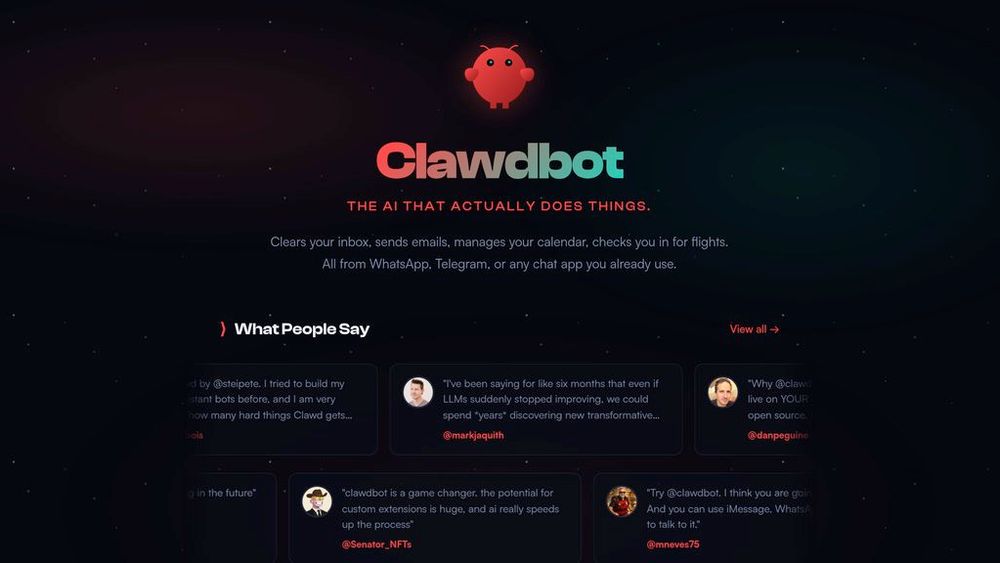
Open-source personal AI assistant that runs locally on your machine and communicates across messaging apps with persistent memory, browser control, and extensible automation capabilities.
Consider Clawdbot when your workflow matches AI Social Media Assistant, AI Bot and you want to validate the fit before committing to a paid stack.
Check the current pricing page before buying because AI tool limits and plans change often.
If a free tier exists, use it to test output quality, export limits, and workflow fit first.
I want to evaluate Clawdbot for this task: [describe your task]. Compare the free path, paid path, setup steps, expected output quality, privacy risks, and alternatives.
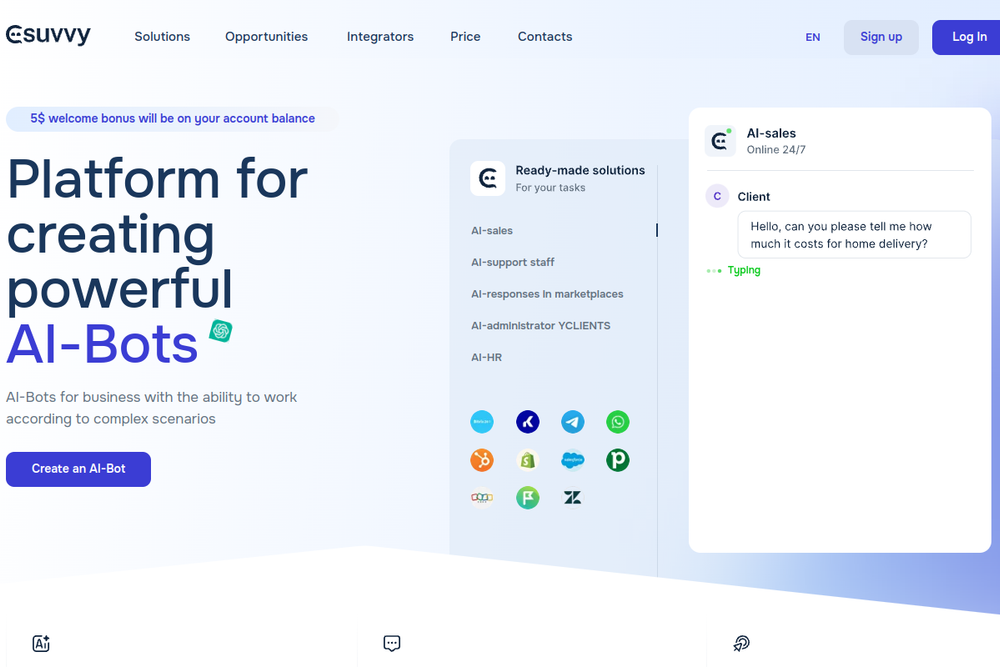
Suvvy is a SaaS platform for creating AI-powered chatbots that automate customer support, sales, and marketing across messengers and marketplaces.
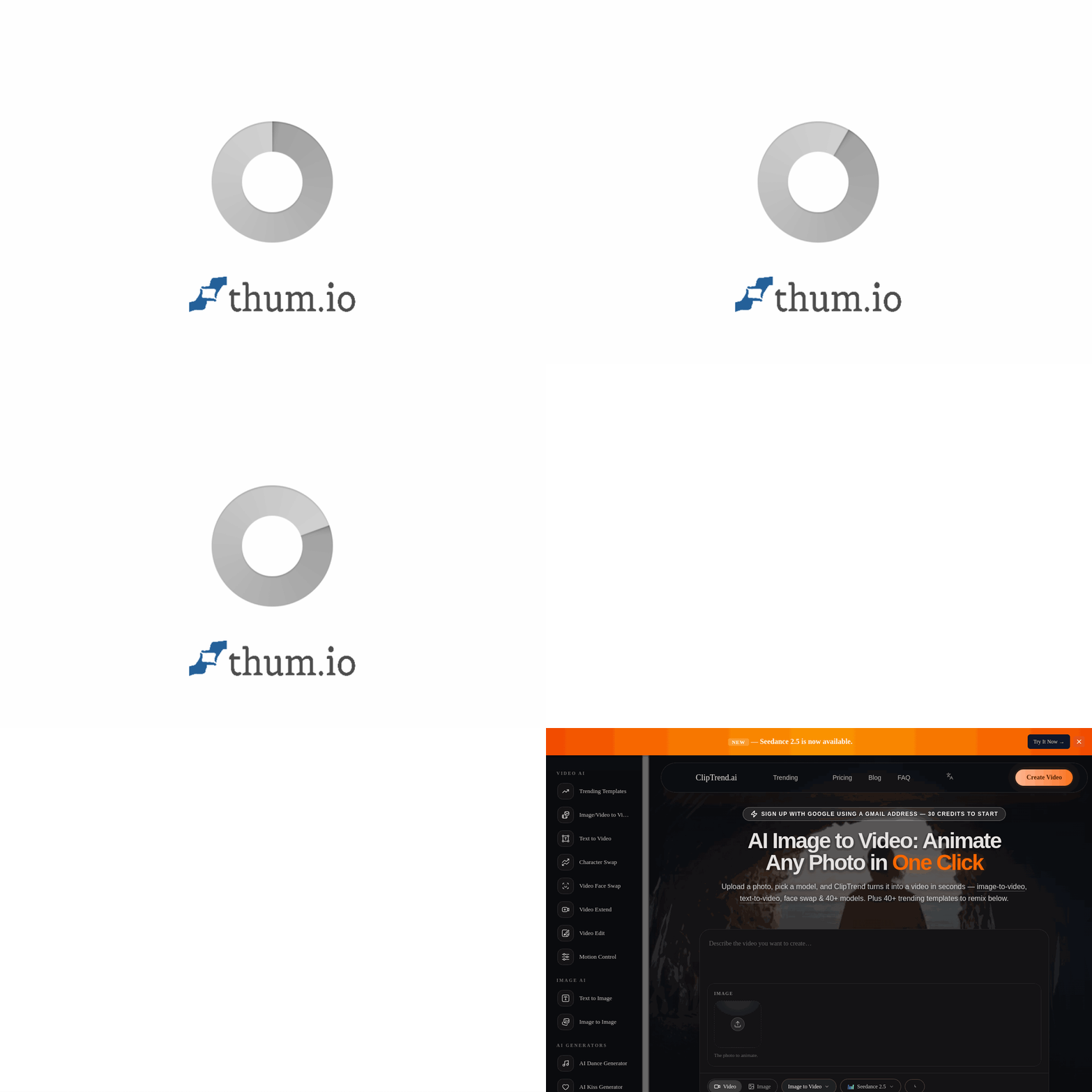
ClipTrend.ai is an AI-powered video generation platform that transforms photos and prompts into viral short-form videos using trending templates and multiple AI
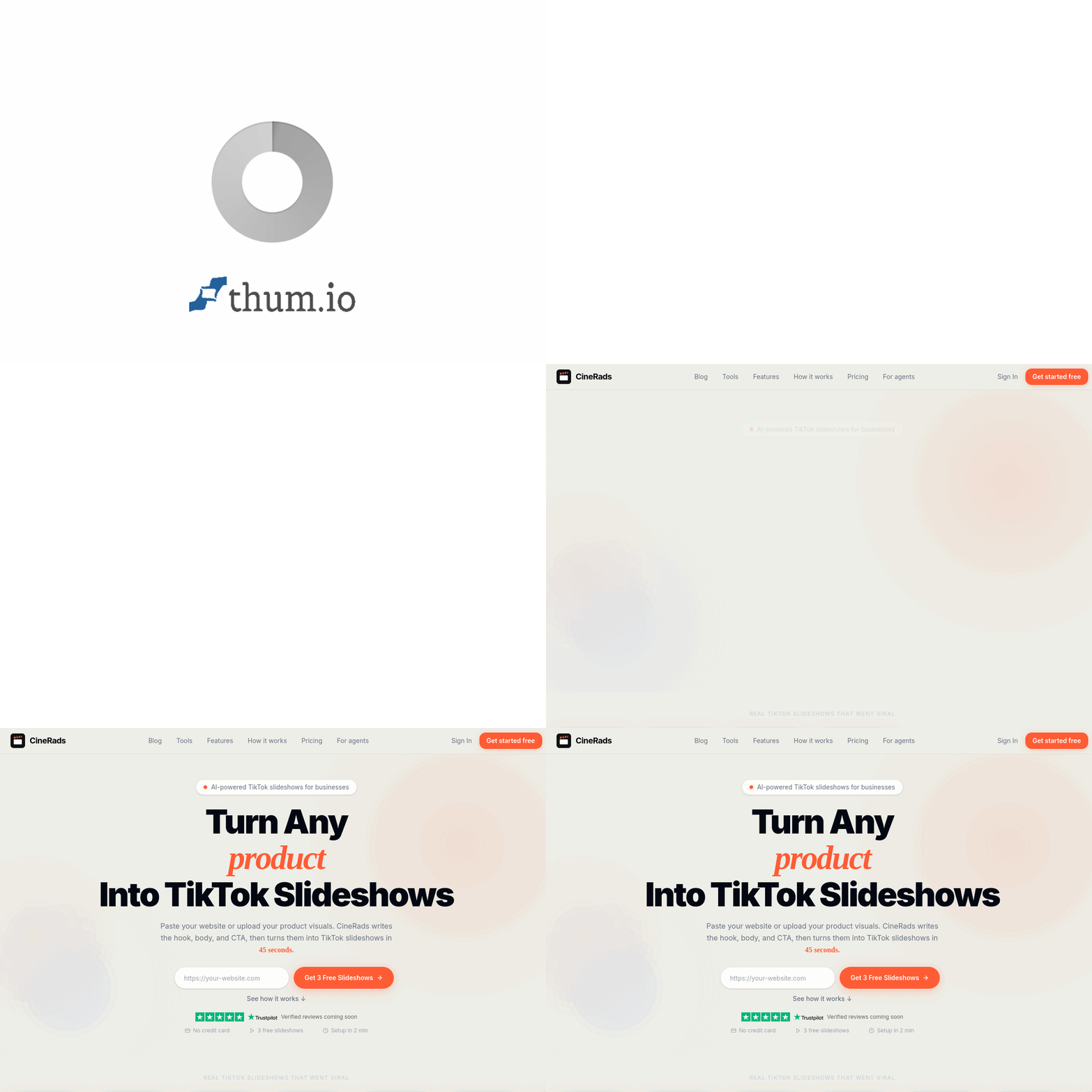
Automate TikTok marketing by turning product URLs into viral-ready slideshows with AI-generated hooks and scripts.
Clawdbot is an open-source personal AI assistant created by Peter Steinberger that runs entirely on your own devices (Mac, Windows, or Linux). Rather than relying on cloud-hosted services, Clawdbot operates as a local agent that integrates with the messaging platforms you already use, including WhatsApp, Telegram, Discord, Slack, Signal, iMessage, Microsoft Teams, and others. The platform maintains persistent memory about your preferences and context, enabling it to provide personalized assistance across different channels. With full system access capabilities, Clawdbot can execute shell commands, manage files, browse the web with form-filling capabilities, and automate complex workflows. The assistant supports community-built and custom skills that extend functionality, and users can instruct it to create its own capabilities. All configuration and memories are stored locally as files and Markdown documents, giving users complete control over their data.
Multi-Channel Communication Access your assistant across WhatsApp, Telegram, Discord, Slack, Signal, iMessage, Microsoft Teams, and WebChat. Interact from your phone during daily activities or control from desktop applications.
Persistent Contextual Memory Remembers your preferences, workflows, and past interactions across all conversations. Context persists continuously, enabling the assistant to learn and adapt to your specific needs and patterns.
Local-First Architecture Runs on your own machine with full system access including file management, shell command execution, and script automation. Your data remains on your device, not stored on external servers.
Browser Automation & Web Control Navigate websites, fill forms, extract data, and perform web-based tasks automatically. Manages its own browser instance with complete control and profile support.
Skills & Plugin Extensibility Extend capabilities through community skills or build custom plugins. The assistant can autonomously create and install new skills based on your instructions without manual configuration.
Proactive Automation & Scheduling Schedule recurring tasks using cron jobs, set up background workflows, and configure email triggers. Receive proactive notifications and briefings without explicit requests.
Daily Task Automation : Automate routine work including email management, calendar scheduling, document organization, and inbox clearing entirely through chat interface.
Personal Knowledge Management : Integrate with note-taking systems to create dynamic summaries, connect related information across conversations, and maintain a searchable personal knowledge base.
Business Process Automation : Streamline business workflows by automating document processing, client communication, report generation, and data management from messaging apps.
Smart Home & IoT Control : Manage smart devices, control air quality systems, schedule home automation tasks, and receive health or environmental updates through natural conversation.
Development & Code Assistance : Execute autonomous Claude Code loops, run tests, debug applications, review code, and open pull requests with summaries—all initiated from chat commands.
Content Creation & Generation : Generate custom meditations with audio synthesis, create video workflows, design media assets, and produce multi-format content through simple prompts.