
What is AutoSend?
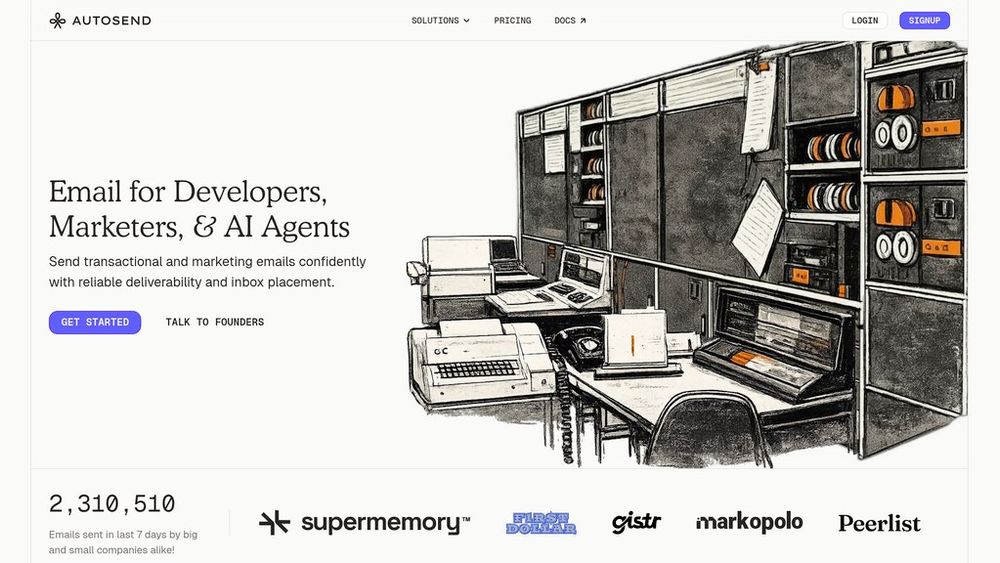
AutoSend is a unified email infrastructure platform designed for developers and marketing teams to send both transactional and marketing emails from a single platform. Unlike traditional email service providers that charge based on contact list size, AutoSend uses volume-based pricing where customers only pay for emails actually sent. The platform delivers reliable, fast email services with an industry-leading 98.97% deliverability rate and an average inbox delivery time of just 8.02 seconds. It provides clean APIs, comprehensive SDKs across multiple programming languages, and an intuitive interface that removes unnecessary complexity from email operations. The platform supports everything from password resets and order confirmations to newsletters and promotional campaigns through flexible integrations including REST APIs, webhooks, SMTP, and event-driven workflows.
Key Features Volume-Based Pricing Model
Pay only for emails sent with no hidden costs tied to contact list size. As subscriber lists grow, costs remain predictable and scalable, eliminating the inflated pricing competitors charge for inactive contacts.
Unified Transactional & Marketing Email
Send password resets, OTPs, order confirmations, and newsletters from the same platform without managing multiple services or accounts. Single integrated system for all email communication needs.
Developer-Friendly APIs & SDKs
Simple REST API with intuitive endpoints and official SDKs for Node, Python, PHP, Ruby, Go, and more. Webhooks for event-driven workflows, real-time logs for debugging, and SMTP support for legacy systems provide flexible integration options.
Intelligent Contact Validation & Suppression
Proprietary contact validation engine automatically identifies and suppresses risky addresses before sending, blocking spam traps, disposable email addresses, and invalid emails that damage sender reputation.
Real-Time Activity Monitoring & Analytics
Detailed email activity logs track opens, clicks, bounce rates, and unsubscribes in real-time. Filter and search logs instantly to debug issues and monitor campaign performance without guessing about delivery status.
Drag-and-Drop Email Builder (Compose)
Create responsive, professional email templates without coding using an intuitive drag-and-drop interface. Markdown support allows for faster template creation while maintaining full control over email design and personalization options.
Use Cases E-Commerce Order Management : Send automated transactional emails for order confirmations, shipping notifications, delivery updates, and return confirmations to keep customers informed throughout their purchase journey with reliable delivery. SaaS Product Notifications : Deliver critical transactional emails including password resets, two-factor authentication codes, account confirmations, and feature usage alerts that require guaranteed inbox placement and fast delivery. Newsletter & Campaign Marketing : Create and send marketing newsletters, product launch announcements, promotional campaigns, and customer engagement emails with built-in analytics to track opens, clicks, and conversions. Onboarding & Engagement Automation : Build automated email sequences for new user welcome series, feature adoption campaigns, upgrade prompts, and renewal reminders that nurture customers and increase lifetime value through personalized communication. Developer & AI Agent Integration : Integrate email capabilities directly into applications and AI workflows through APIs and webhooks. LLMs and AI agents can trigger transactional emails as part of their decision flow for seamless automated systems. FAQs
- How does AutoSend's pricing work?
- Can I use AutoSend for both transactional and marketing emails?
- What integrations does AutoSend support?
- How fast does AutoSend deliver emails?
- Does AutoSend help prevent emails from going to spam?
- Is AutoSend compliant with email regulations like GDPR and CAN-SPAM?
- How difficult is it to migrate from another email service to AutoSend?
- Can I use AutoSend with my AI agents or LLMs?